How mapping deploys with your application
With Elastic.Mapping, your Elasticsearch mapping is compiled into your application binary. When the application starts and creates an ingest channel, the mapping is automatically pushed to Elasticsearch as component and index templates. There is no separate deployment step, no out-of-band script, no ops ticket.
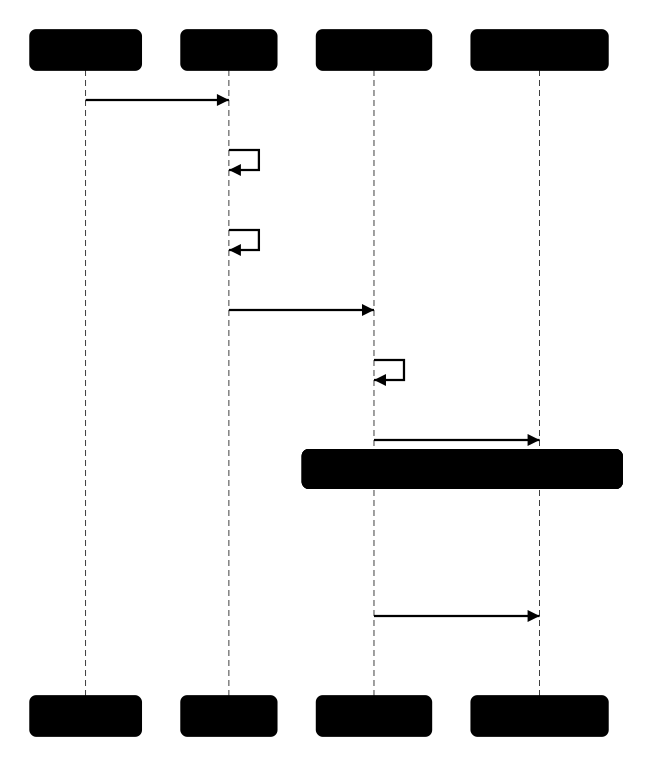
When your application calls channel.BootstrapElasticsearchAsync(), the channel:
- Reads the generated mappings and settings JSON from the compiled context
- Merges in any custom analysis or index settings
- Computes a content hash of the final template body
- Checks if the component template in Elasticsearch already has the same hash
- If unchanged, skips the update (no-op)
- If changed, creates or updates the component template and index template
- Provisions the index according to the strategy (create new, or reuse existing)
The hash-based check means your application can bootstrap on every startup without causing unnecessary template updates. Only actual mapping changes trigger writes to Elasticsearch.
The mapping is part of the application. If the app is running, the mapping is applied. There is no window where the app is deployed but the mapping is stale.
When you deploy a new version with an updated mapping:
- The new instance starts and calls
BootstrapElasticsearchAsync() - The hash differs from the existing template, so it updates the template
- Depending on your strategy, it either creates a new index (for date-rolling patterns) or the template applies to the next index creation
For date-rolling indices with aliases, this means zero-downtime schema evolution: the old index keeps the old mapping, the new index gets the new mapping, and the write alias swaps automatically.
Because the mapping is derived from your C# class, every change shows up in your version control history:
public class Product
{
    [Id]
    [Keyword]
    public string Sku { get; set; }

    [Text(Analyzer = "product_name_analyzer")]
    public string Name { get; set; }

    [Text(Analyzer = "product_name_analyzer")]
    public string Description { get; set; }

    [Keyword(Normalizer = "lowercase")]
    public string Category { get; set; }
}
- new field
This diff tells the reviewer: "we added a Description field with full-text search using the same analyzer as Name." No separate JSON diff, no Terraform plan output.
For data streams and wired streams, the namespace segment is resolved from environment variables at runtime:
DOTNET_ENVIRONMENT > ASPNETCORE_ENVIRONMENT > ENVIRONMENT > "dev"
This means the same binary creates logs-myapp-production in production and logs-myapp-dev locally, without configuration changes.
For indices that need runtime parameters (e.g. multi-tenant scenarios), use NameTemplate:
[Index<Product>(NameTemplate = "products-{tenant}")]
This generates a CreateContext(string tenant) method instead of a static property. The mapping is the same everywhere, but the index name varies per tenant.
| Scenario | Approach |
|---|---|
| Add a new field | Add the property to your class. The template updates on next bootstrap. Existing indices keep the old mapping (Elasticsearch merges compatible changes). |
| Change a field type | Use date-rolling indices with DatePattern. The new index gets the new mapping. Old indices are unaffected. |
| Rename a field | Add the new field, deprecate the old one. Backfill with a reindex if needed. |
| Remove a field | Remove the property. The template updates. Existing documents still have the old field stored but it is no longer mapped. |
// This is all you write:
public class Product
{
    [Id] [Keyword]
    public string Sku { get; set; }

    [Text(Analyzer = "product_name_analyzer")]
    public string Name { get; set; }

    [Keyword(Normalizer = "lowercase")]
    public string Category { get; set; }
}

[ElasticsearchMappingContext]
[Index<Product>(
    Name = "products",
    WriteAlias = "products-write",
    ReadAlias = "products-search",
    DatePattern = "yyyy.MM.dd",
    Configuration = typeof(ProductConfig))]
public static partial class CatalogContext;

// At startup:
var options = new IngestChannelOptions<Product>(transport, CatalogContext.Product.Context);
using var channel = new IngestChannel<Product>(options);
await channel.BootstrapElasticsearchAsync(BootstrapMethod.Failure);
After bootstrap, Elasticsearch has:
- A component template
products-templatewith your mappings and settings (including custom analysis) - An index template referencing that component template, matching
products-* - A concrete index like
products-2026.07.23with the write aliasproducts-writepointing to it - A search alias
products-searchspanning allproducts-*indices
All from your C# class definition. No JSON. No scripts. No ops.